Getting a headless device onto Wi-Fi is the classic first-boot problem: no Ethernet, no screen, no keyboard — how do you hand it your network credentials? Pantavisor now has a complete answer built on the open Improv Wi-Fi standard, with three ways in depending on where you’re standing. It’s the flow the new Orange Pi i96 port relies on, since that board has no Ethernet at all.
On the device: the pvwificonnect container
pvwificonnect (now v1.8.1) ships as a container in the Pantavisor starter images from meta-pantavisor. It advertises Improv over BLE and serial, applies received credentials, and runs a watcher that keeps the connection alive — credentials persist and the device rejoins its network unattended after reboots.
It also bundles pvwificonnect-cli for working from a device shell:
# from a shell on the device
pventer -c pvwificonnect pvwificonnect-cli connect -s <SSID> -p <PSK>

# or over the USB serial console, for a device that has never been configured
pvwificonnect-cli improv-serial
The improv-serial path is worth knowing: it needs neither Bluetooth nor an access point, just the serial console — which makes it the fallback that always works.
From the browser: Provision Wi-Fi in the Hub
The Hub has a Provision Wi-Fi page that talks Improv BLE directly from your browser via Web Bluetooth — nothing to install. Scan for nearby devices, pair, and the device reports the networks it can see (with signal strength), so you pick the SSID from a live list rather than typing it blind. Enter the password and the device is provisioned.
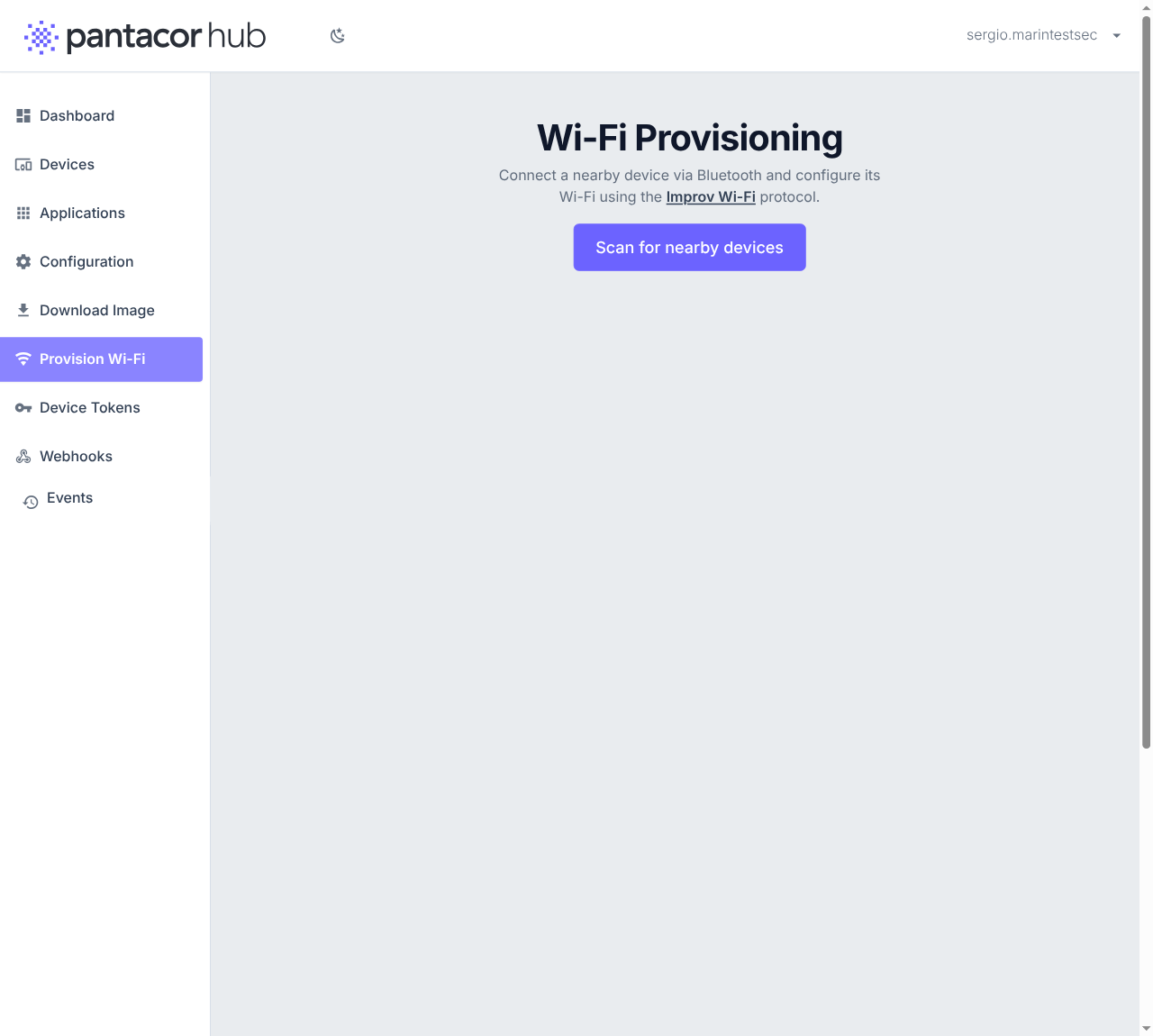
Once the device reaches the Hub, the flow hands you off to claiming with the device ID and challenge prefilled — provision and claim in one sitting. Web Bluetooth works out of the box in Chrome, Edge and Opera on desktop and Android (the page itself carries per-browser instructions for the rest; iOS does not support Web Bluetooth in any browser).
From your laptop: pvr wifi
Since PVR 052, pvr wifi speaks Improv BLE from the command line (Linux with BLE support):
| Command | What it does |
|---|---|
pvr wifi device-scan |
Find nearby devices advertising Improv |
pvr wifi provision <ADDR> --ssid MyWiFi |
Send credentials (prompts for the password if omitted) |
pvr wifi wifi-scan <ADDR> |
Ask the device which networks it sees |
pvr wifi identify <ADDR> |
Make the device identify itself (blink/beep) |
pvr wifi device-info <ADDR> / hostname |
Read firmware info, get/set hostname |
pvr wifi claim-info <ADDR> |
Read the device ID and claim challenge |
That last one completes the story for scripted setups: unbox, provision, wait for the hub rendezvous, claim-info --json, claim — an entire onboarding without ever touching the device or the web UI. The full reference is in the pvr command docs.
It’s just Improv
Because all three paths implement the open Improv Wi-Fi standard, they interoperate with everything else that speaks it — including third-party Improv tools. And the stack keeps getting attention: v1.8.1 of pvwificonnect fixed five CLI provisioning defects found during the Orange Pi i96 bring-up, including a “Successfully connected” message that printed on failure.
The provisioning guide in the docs ties it into the wider onboarding picture — auto-join tokens for non-interactive fleets, TLS onboarding for factories: hub.pantacor.com/docs/guide/provisioning.
Questions and feedback welcome below!